
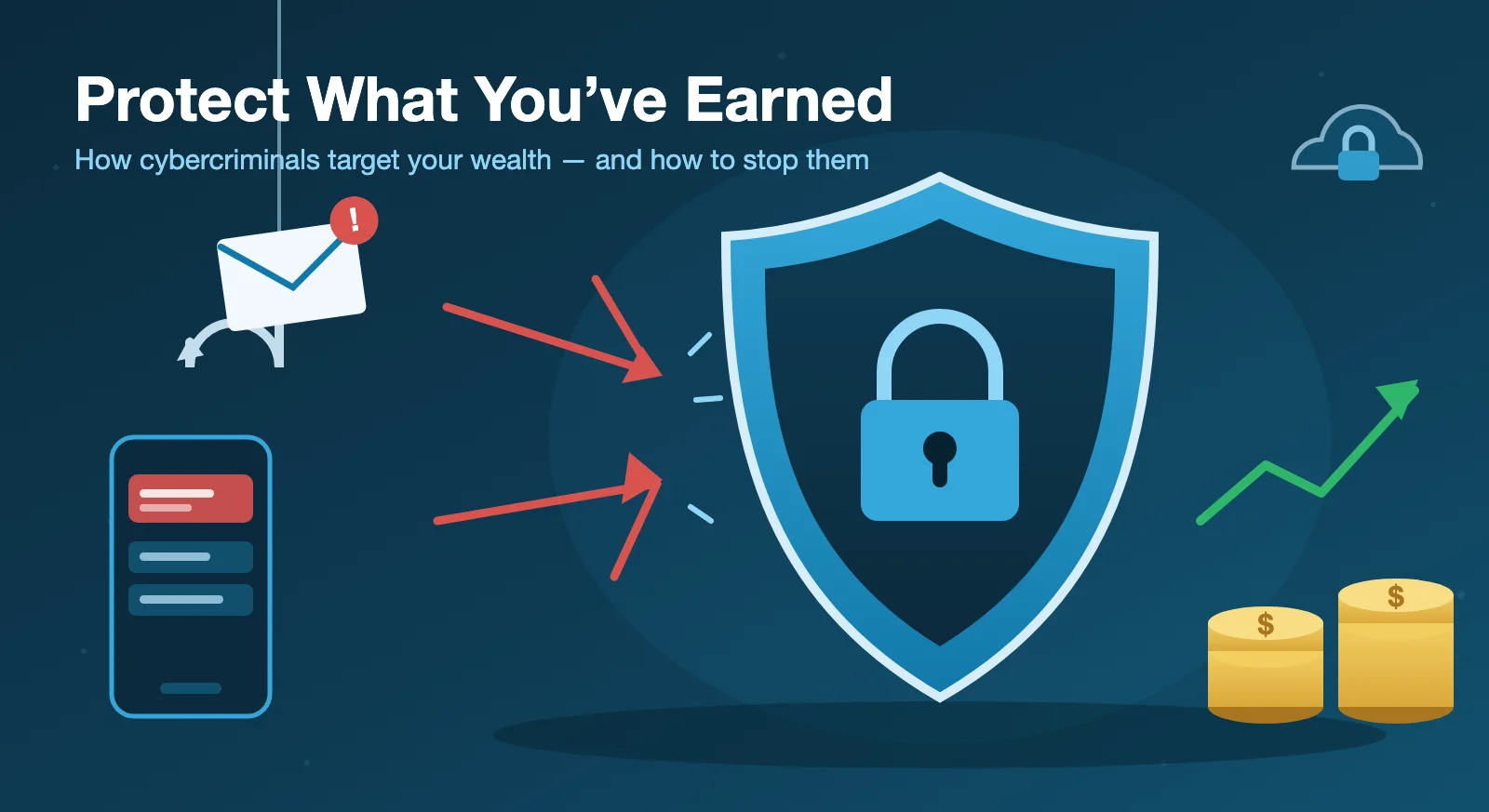
When most people picture a cybercriminal, they imagine a hooded figure breaking into a computer system—some technical genius cracking through firewalls. That's the Hollywood version. The reality is far more ordinary, and far more dangerous: today's attacks rarely start with a technical exploit. They start with a person being tricked.
I work with financial services firms and their clients to defend against exactly these threats, and I want to be direct about something. If you've built savings, investments, or a retirement account, you are a target. Not because you did anything wrong, but because the payoff is high and individuals often have fewer protections in place than a large corporation does. The good news—and I mean this—is that you don't need to be a security expert to dramatically reduce your risk. A handful of practical habits do most of the work.
The threat has changed shape
Cybercrime against individuals doesn't look like it did a decade ago. Attackers don't break into bank vaults; they trick people into opening the door. A convincing email that appears to come from Fidelity or Schwab. A text warning of a "suspicious login." A phone call where the caller ID shows your bank's real number. A relationship built over weeks on social media that slowly turns toward money.
The common thread in nearly every one of these attacks is trust. Fraudsters impersonate someone you already believe—your bank, your advisor, the IRS, even a family member—and they manufacture urgency so you act before you think. Artificial intelligence has made this dramatically worse. Scam emails and texts are now more polished, more personalized, and more convincing than ever. The old advice to "look for the typo" no longer protects you.
How your personal email gets compromised
Email is the master key to your financial life, and there are four common ways it gets taken.
The first is a phishing email that looks like it's from Google, your bank, or a delivery service, asking you to "verify your account" or "review a document." The link leads to a flawless replica of a real login page—and the moment you enter your password, you've handed it to a criminal.
The second is password reuse, and it's both the biggest risk and the easiest to fix. If you use the same password for your email and for some shopping or social media site, and that site suffers a data breach, attackers will automatically try your credentials against major email providers. They have tools that test stolen combinations across hundreds of sites in minutes.
The third is fake text messages—"suspicious login detected," "final warning," "did you authorize this transaction?"—each with a link to a convincing fake page. The urgency is the entire strategy. A legitimate institution will never text you a link and ask you to log in.
The fourth is the phone call scam. Someone calls claiming to be from your bank's fraud department, sometimes referencing a real recent transaction, and asks you to read back a security code "to verify your identity." That code is a one-time password, and reading it back hands them your account. Never share a one-time code with anyone, ever.
What attackers do once they're inside
Here's the part most people never see coming. Once someone is in your email, they don't do anything obvious. They go quiet, and they can stay hidden for days, weeks, or months.
First, they read everything—financial statements, advisor correspondence, tax documents—learning your accounts, your balances, and even the way you write. Then they set traps: email rules that automatically delete security alerts, forward your messages to an outside address, or hide replies from your advisor so you never realize someone is communicating on your behalf. This is exactly why checking your mailbox rules regularly matters. Next, they wait for a natural moment—a quarterly distribution, a rebalancing, an address change. Finally, they act as you, emailing your advisor from your real account to request a transfer, an address change, or a new account linkage. Because the message genuinely comes from your email address, it may raise no alarms at all.
What this looks like in practice
Consider a real pattern we see constantly. An email arrives at a financial advisor's inbox from a client's genuine Gmail address, requesting a $47,500 wire distribution from an IRA to an unfamiliar account. It says the funds are urgent—a property closing—and adds, "I'm in meetings most of the day, so email is best."
Every one of those details is a red flag. The urgency exists to pressure the advisor into skipping verification. The destination account has never appeared before. The "I'm in meetings" line exists for one reason: to prevent a phone call that would expose the fraud instantly. And critically, the email isn't spoofed—there's no misspelled domain for a filter to catch, because it's coming from the real account. The only thing that stops this attack is a human picking up the phone and calling the client at a known number. So when your financial institution calls to verify a request, that call isn't an inconvenience. It's protecting you.
The habits that keep you safe
You don't need to do everything at once. Pick two or three of these and start; work through the rest over the coming weeks. Every step makes you a harder target.
Turn on multi-factor authentication (MFA) on your email and every financial account. This is the single highest-impact thing you can do—even if someone steals your password, they can't get in without the second step. An authenticator app or hardware key beats SMS codes.
Use a password manager. It generates and stores a unique, strong password for every account, which eliminates password reuse—the vulnerability behind most email compromises. If you're not ready for the software, even a paper list of unique passwords kept somewhere safe beats reusing one password everywhere. And don't rely on browser-saved passwords, which are exposed to certain malware.
Freeze your credit at all three bureaus—Equifax, Experian, and TransUnion. It's free, reversible, takes about ten minutes each, and it's one of the most effective identity-theft protections available.
Set a PIN with your mobile carrier to block SIM-swapping, where criminals port your number to their own device to intercept your two-factor codes. Enable security alerts on your financial accounts, keep your devices and apps auto-updating, avoid logging into financial accounts on public Wi-Fi (use a VPN if you must), and limit the personal details you share on social media—birthdays, pet names, hometowns are the raw material for impersonation.
If something does go wrong
Speed matters more than pride. If your email or an account is compromised, contact the provider immediately, change your password from a different device, log out of all sessions, check for unfamiliar mailbox rules, and notify your advisor and institutions. If a device is compromised, stop using it, disconnect it, and get professional help rather than trying to fix it yourself. If you suspect identity theft, place a fraud alert on your credit reports, file a police report, freeze your credit, and—if your Social Security number may be exposed—contact the Social Security Administration and the IRS.
And don't be embarrassed. These schemes fool smart, careful people every single day. The faster you act, the more you protect.
Security isn't about becoming a technical expert. It's about a few durable habits—skepticism toward the unexpected, verification before you act, and strong locks on your accounts. Protect what you've worked hard to build.
Matthew Wilson is the founder of Tech Tactics, where he helps financial services firms and their clients understand and defend against today's digital threats. This article is adapted from the "Protect What You've Earned" investor webinar.